
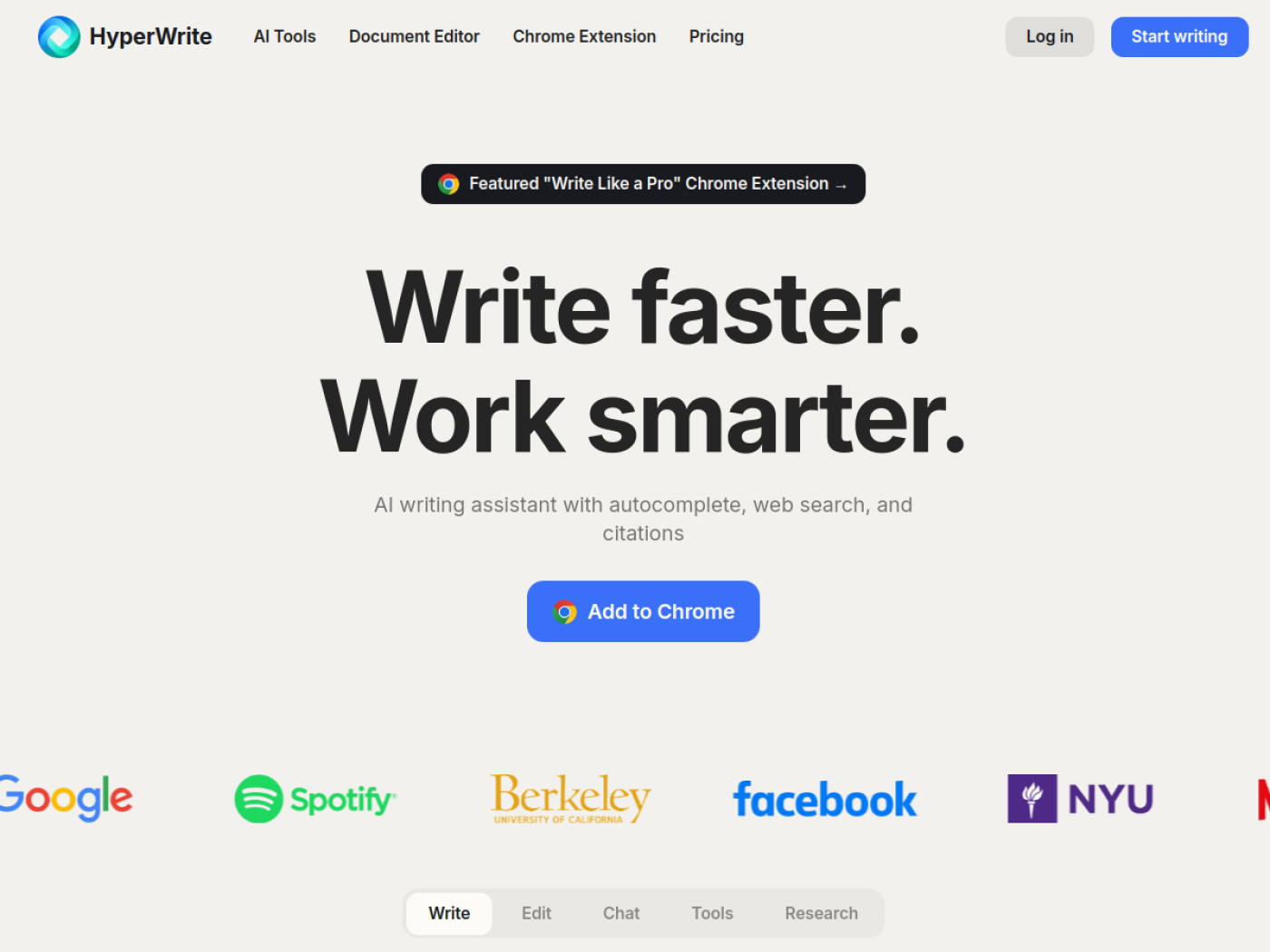
HyperWrite Review 2026: Features, Pricing, Use Cases & Alternatives
HyperWrite stands out as a prominent AI writing assistant in today's fast-evolving digital content landscape. As part of the growing AI Writing category, HyperWrite positions itself as a solution designed to streamline content creation, revision, and optimization—offering both individuals and teams the ability to produce higher-quality written material with greater speed and precision. Its core value lies in leveraging advanced language models to support users throughout the entire writing lifecycle, from brainstorming and outlining to editing and polishing final drafts.
The demand for swift, articulate, and SEO-optimized writing is at an all-time high among content creators, businesses, marketers, students, and professionals. HyperWrite targets this growing need by serving as an intelligent writing companion, capable of augmenting creativity, eliminating writer’s block, and ensuring that writing meets editorial and stylistic standards. Whether you are drafting blog posts, composing outreach emails, or preparing reports, the tool aims to minimize time spent on routine tasks, maximize output clarity, and maintain consistent quality.
For those assessing whether HyperWrite fits their workflow, the tool’s emphasis on providing actionable suggestions, real-time editing enhancements, and content optimization makes it especially relevant. People who routinely face tight deadlines, need to manage high content volumes, or want to improve the readability and effectiveness of their writing may find substantial value here. At the same time, its freemium model makes it accessible to a wide spectrum of users, providing a risk-free entry point for experimentation—and allowing for an easy upgrade path as needs expand.
However, with a burgeoning ecosystem of AI writing tools, potential users are right to compare HyperWrite against other platforms to determine which offers the best blend of features, usability, customization, and price for their unique requirements. Understanding where HyperWrite outperforms or lags in comparison to alternatives is key to making an informed decision.
Visit HyperWrite Official Website⚡ Quick Verdict
HyperWrite is a dynamic AI writing assistant that intelligently supports users in drafting, rewriting, and optimizing content across a range of formats. With a freemium model, it is a practical choice for both individuals and teams eager to enhance their writing output, reduce editing time, and maintain quality, whether for marketing, blogging, or everyday communication.
| Best for | Writers, marketers, students, professionals, and small teams seeking assistance with content creation and editing. |
|---|---|
| Main benefit | Saves time and elevates the quality of written content via AI-powered suggestions and real-time editing. |
| Category | AI Writing |
| Pricing type | Freemium |
| Ease of use | Intuitive for most users; minimal learning curve for core functions. |
| Key strength | Integrates AI-driven writing and editing seamlessly into everyday workflows. |
| Potential drawback | Advanced features or higher usage may require a paid plan; AI suggestions may not fit all writing styles. |
| Best reason to try it | Quickly improve the clarity, accuracy, and impact of any type of content with minimal friction. |
| Official website | https://www.hyperwriteai.com |
🚀 What Is HyperWrite?
HyperWrite is an AI-powered writing assistant, crafted to help users produce, revise, and perfect written content more efficiently. As an entrant in the AI Writing category, HyperWrite provides a set of robust tools—spanning drafting suggestions, grammar correction, and smart rewriting—to tackle common pain points faced by writers, marketers, students, and business professionals alike.
At its core, HyperWrite leverages cutting-edge language models to deliver in-context writing guidance, transforming the traditional content creation process. This practical AI writing assistant goes beyond simple grammar checking: it offers smart rewording, real-time feedback, contextual suggestions, and aids users in overcoming creative blocks. Whether you are preparing email copy, website articles, academic essays, or marketing pitches, HyperWrite’s toolkit is designed to streamline workflow, boost ideas, and sharpen language.
The tool’s source note—AI writing assistant—underscores its commitment to actively assisting users throughout the writing cycle. HyperWrite provides features for brainstorming, outlining, drafting, editing, and even some content optimization, thus catering to projects that demand accuracy, creativity, and speed.
Workflows within HyperWrite are built for both solo writers and collaborative teams. Users can quickly draft new content from scratch, receive AI-powered suggestions for improvement, or polish existing drafts for clarity and style. The platform is structured to minimize manual editing time and maximize the quality and consistency of output—with a clear focus on user-friendly interactions.
Choosing a writing assistant like HyperWrite matters, especially in contexts where productivity, content volume, or editorial excellence are essential. For anyone comparing various AI Writing tools, evaluation should revolve around how well HyperWrite integrates into their writing workflow, its overall value relative to current needs, and how its pricing structure aligns with their budget or long-term content plans.
👥 Who Should Use HyperWrite?
HyperWrite’s flexible AI writing assistant capabilities make it a valuable asset for a range of users. Here are the profiles that will benefit most from integrating HyperWrite into their writing, editing, or publishing workflows.
📝 Content Creators & Bloggers
Writers and content marketers looking to publish high-quality blogs, articles, and long-form assets can leverage HyperWrite for idea generation, drafting, and final polish, all within a single platform.
🏢 Marketing Teams & Copywriters
HyperWrite is well-suited to professionals crafting ad copy, website content, or outreach messages who value quick iterations and consistent, persuasive messaging.
📚 Students & Academics
Students needing support with essay structure, clarity, and language can improve their academic submissions using HyperWrite’s AI-driven editing and suggestions.
💼 Business Professionals
Managers and professionals drafting reports, proposals, or business correspondence can use HyperWrite to ensure clarity, correctness, and professionalism in every communication.
🤝 Teams & Collaborative Projects
Teams managing collaborative content projects can streamline editing cycles and maintain consistent quality across contributors with HyperWrite’s toolset.
✅ Best For
- Bloggers and marketers aiming to scale content production
- Small teams balancing speed and quality
- Students looking to strengthen academic writing
- Professionals striving for error-free business communication
⚠️ Not Ideal For
- Writers needing highly specialized, industry-specific content
- Users unwilling to review or edit AI-generated text
- Those seeking a 100% hands-off content automation tool
✨ Key Features of HyperWrite
HyperWrite delivers a suite of AI-driven writing and editing capabilities designed to make the content creation process faster, easier, and more effective. Below are the features that distinguish it within the AI Writing landscape.
🔎 Smart Content Rewriting
Quickly rephrase paragraphs or sentences for improved clarity, tone, or conciseness. Great for repurposing content or overcoming writer’s block.
Why it matters: Empowers users to create different content versions rapidly without starting from scratch.
- Saves time on manual rewriting.
- Improves content freshness for SEO or outreach.
- Aids in adjusting style and complexity for varied audiences.
📑 AI-Powered Outlining
Generate coherent outlines for articles, essays, or reports with just a headline or topic prompt, helping users organize ideas efficiently.
Why it matters: Provides a logical structure for long-form content before writing begins.
- Reduces planning time.
- Ensures content cohesion and flow.
- Boosts brainstorming for large projects.
📈 SEO Content Suggestions
Offers optimization tips and keyword ideas to boost a page’s visibility in search engines, allowing writers to fine-tune articles for SEO impact.
Why it matters: Helps users create content that ranks better online and attracts more readers.
- Drives organic traffic growth.
- Eliminates guesswork in SEO optimization.
- Enhances competitiveness for target topics.
✍️ Real-time Grammar & Clarity Editing
HyperWrite automatically flags grammatical issues, awkward phrasings, and stylistic inconsistencies, suggesting alternatives in real time.
Why it matters: Elevates the correctness and flow of documents without lengthy manual review.
- Immediate feedback as you write.
- Reduces need for external editors.
- Boosts reader trust and professionalism.
🧠 Brainstorming Prompts
Jump-start content creation with AI-generated topic suggestions and creative prompts tailored to your needs.
Why it matters: Sparks new ideas and directions when facing a creative block.
- Facilitates faster project kickoff.
- Enhances team brainstorming sessions.
- Improves creativity for diverse topics.
📬 Email & Outreach Draft Assistance
Helps users quickly draft, refine, and personalize outreach emails, proposals, and communications with AI-curated language.
Why it matters: Ensures professionalism in business messaging and accelerates correspondence workflows.
- Saves time on routine communication.
- Eliminates repetitive phrasing.
- Improves response rates for campaigns.
🌐 Multilingual Writing Support
Provides assistance for drafting or editing text in multiple languages, ideal for global content needs.
Why it matters: Broadens reach and usability across different audiences.
- Supports cross-border communication.
- Facilitates translation and localization.
- Assists non-native English speakers.
🚦 Draft & Revision History Tracking
Allows users to review and restore previous versions of content, providing peace of mind when revising or iterating on documents.
Why it matters: Safeguards against accidental loss and tracks changes for collaboration.
- Prevents major content errors.
- Facilitates transparent editing in teams.
- Enables experimentation without risk.
🔐 Secure Cloud-Based Access
Cloud platform enables document access, editing, and collaboration from any device with robust security controls.
Why it matters: Supports distributed teams and frequent travelers who need reliable remote access to their work.
- No need for local software installation.
- Allows multi-device workflow flexibility.
- Enhances security and version control.
🧭 How HyperWrite Works
HyperWrite is built to embed AI-powered guidance naturally into your writing and editing workflow. Here’s a look at the typical steps involved:
- Sign up for a HyperWrite account (start free or explore paid upgrades).
- Create a new document or import your existing draft into the workspace.
- Choose your writing goal: drafting, rewriting, editing, or optimizing for SEO.
- Interact with AI suggestions for content generation, clarification, or language improvement as you write.
- Iterate on sections using real-time editing and rewriting tools.
- Leverage outlining, brainstorming, and SEO features as needed for structure and visibility.
- Save, export, or share the polished document using built-in version control.
- Review content history and make further edits as required for final publication.
🧩 Real-World Use Cases for HyperWrite
HyperWrite addresses an array of real-world content challenges for different user segments. Below are specific scenarios where its AI writing assistant proves invaluable:
📝 Blog Drafting and Editing
Who it helps: Content marketers and professional bloggers.
Example workflow: Rapidly produce high-quality blog posts with AI-generated outlines, drafts, and in-line editing suggestions.
Why it is valuable: Accelerates production schedules while maintaining SEO and readability standards.
💼 Polished Business Communications
Who it helps: Executives, managers, and client-facing staff.
Example workflow: Draft and refine reports, proposals, or executive summaries with AI clarity editing and tone adjustments.
Why it is valuable: Enhances professionalism and reduces manual proofreading.
📧 Outreach & Sales Campaigns
Who it helps: Sales teams and business development professionals.
Example workflow: Quickly generate, customize, and refine automated outreach emails for sales or recruitment campaigns.
Why it is valuable: Raises engagement rates and supports high-volume outreach without repetitive manual effort.
📚 Academic Paper Drafting
Who it helps: Students and researchers.
Example workflow: Use HyperWrite for brainstorming, outlining, and refining complex academic essays or assignments.
Why it is valuable: Supports clear thesis development and adherence to academic writing conventions.
📈 SEO-Focused Content Creation
Who it helps: Growth marketers and SEO specialists.
Example workflow: Receive AI-driven keyword suggestions and optimization tips while drafting or editing web content.
Why it is valuable: Improves ranking potential and organic discoverability in search engines.
🤝 Team-Based Document Collaboration
Who it helps: Distributed content teams and editorial groups.
Example workflow: Multiple users co-edit, comment, and track revisions within shared documents in the cloud.
Why it is valuable: Ensures brand consistency and smooth collaboration in multi-author workflows.
✈️ Multilingual Communication & Localization
Who it helps: Global businesses and non-native English speakers.
Example workflow: Create or refine translations and communicate effectively across language barriers.
Why it is valuable: Expands audience reach and builds international appeal quickly.
🧱 Structured Outline & Brainstorming
Who it helps: Teams starting new projects or strategizing content calendars.
Example workflow: Generate project outlines, creative briefs, or ideation lists with AI-prompted suggestions.
Why it is valuable: Streamlines planning phases and boosts idea generation with minimal effort.
🖥️ User Experience
HyperWrite’s user interface is designed for ease of use, prioritizing a clean, distraction-free writing environment. From initial signup to document creation, the onboarding process is straightforward—most users can begin drafting or editing content within minutes of registration. Clear onboarding prompts and in-app tips further accelerate familiarity, reducing the learning curve even for those new to AI writing tools.
The platform organizes its core functions (drafting, rewriting, editing, optimization) logically, with contextual AI suggestions surfaced as users write. This makes accessing HyperWrite's features natural and non-intrusive, encouraging frequent engagement and continuous improvement of content quality.
For more advanced users and teams, collaborative features and revision tracking add another layer of utility, allowing multi-author editing without sacrificing version control. The real-time feedback loop fosters immediate improvement and encourages experimentation—users can see the impact of their changes instantly and iterate rapidly.
Speed to value is a key strength: whether you’re polishing a business email or generating an entire blog post outline, results arrive quickly, requiring little technical knowledge. However, users seeking highly technical, industry-specific outputs may need to invest additional time in customizing prompts or reviewing AI-generated content for accuracy and appropriateness.
Overall, HyperWrite should present minimal friction for most content creators, students, and professionals. Those unfamiliar with AI writing assistants may need a short adjustment period but can expect to become productive quickly, especially for everyday writing and editing tasks.